Pay for gas distribution by November 20 inclusive

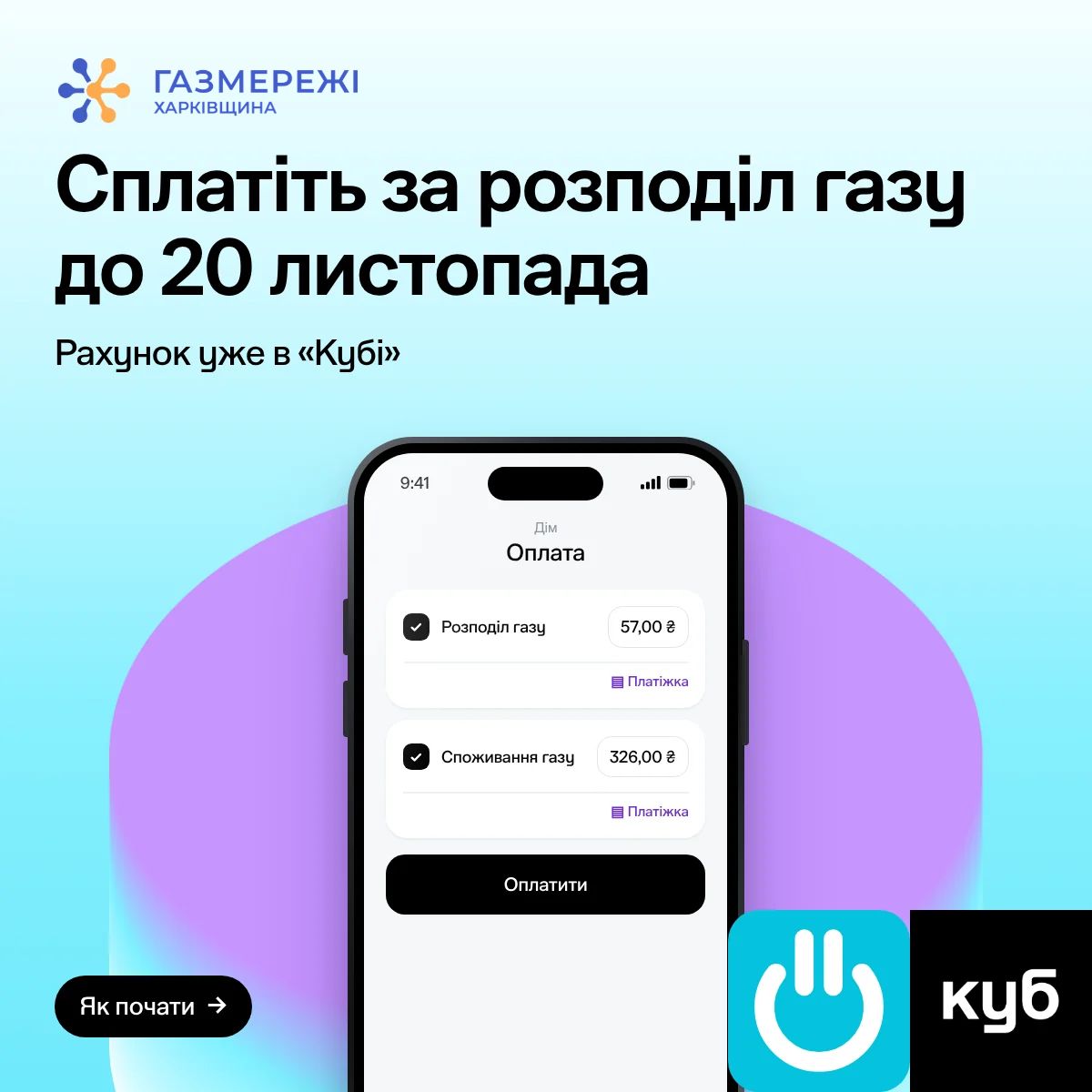
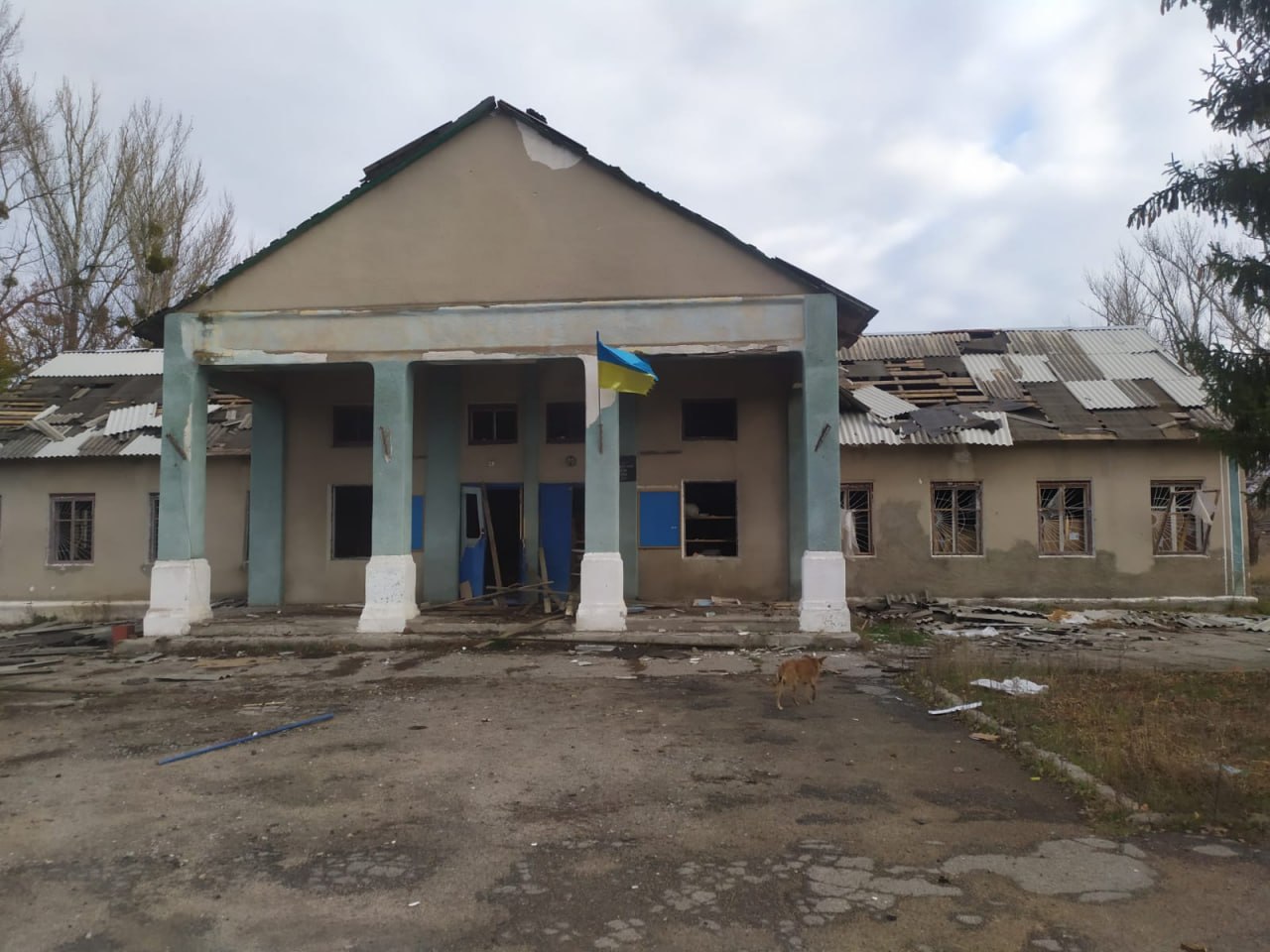
This will help avoid reflecting the debt at the beginning of the billing period in the payment for the next month. Haven't received a paper receipt yet? The electronic bill is already available in the "Cube" mobile application. We'll tell you how to start using it. Step 1. Download the application Find "Cube" on Google Play or App Store and install the official application from Naftogaz. You can also download it at the link: CUBE – application of convenient gas services Step 2. Register Enter the number of a Ukrainian mobile operator. The confirmation code will be sent via SMS or Viber, if it is installed on the phone. Enter the code in the appropriate field and follow the prompts on the screen. Step 3. Add a personal account After registration, add a personal account using the EIC code – a unique identifier of the gas consumption facility. The EIC code is indicated on the paper receipt and in the personal account of "Gas Distribution Networks of Ukraine": https://my.grmu.com.ua/ You can also clarify it in the Contact Center by calling 0 800 303 104. Step 4. View bills and pay online In the "Cube" application you can: 🔹 view electronic bills for consumed gas and its distribution; 🔹 check charges, balance and payment history; 🔹 pay for services online at a convenient time. Timely payment for gas distribution services makes it possible to maintain and repair gas networks, ensure round-the-clock operation of emergency services, and restore infrastructure after Russian attacks.

Григоренко Костянтин
Головний редактор сайту ,видавець медіа "Обрії Ізюмщини",директор ТОВ "Обрії 1919" Основна спеціалізація -політика ,репортажі ,інтерв'ю . Досвід роботи -очолюю медіа з 2003 року. Освіта -Харківський державний педагогічний інститут, Харківський регіональний інститут державного управління Національної академії при Президентові України. Адреса: Ізюм…